
5 Ways Small Businesses Can Use QR Codes
QR codes are cheap, fast, and surprisingly versatile. Here are five practical ways to put them to work for your business.
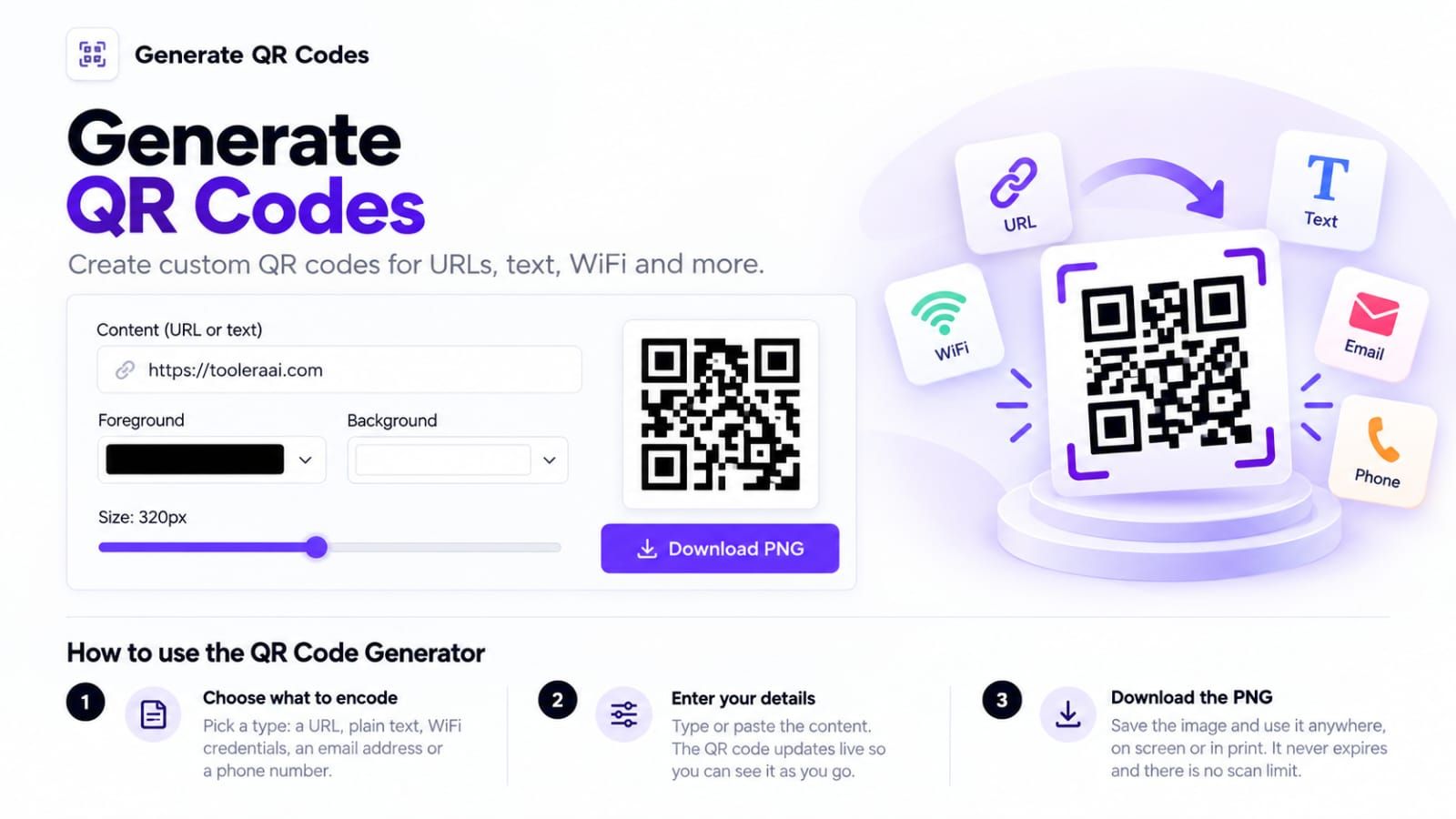
Table of Contents
A QR code stores text. For a small business, that is often a link to a menu, a product guide or a registration page. TooleraAI's QR Code Generator creates a static PNG locally in your browser; it does not host the destination or track scans.
Create and test a menu link
- Open the public HTTPS menu page on your phone first. Confirm it works without your administrator login.
- Paste the full address into Content (URL or text). For a demonstration, use https://example.com/menu; replace it with your real destination before printing.
- Keep dark foreground and light background colors. Choose an output size suitable for the intended print dimensions.
- Select Download PNG. Preserve the clear border and image proportions when placing it on a card.
- Scan the final printed sample on more than one phone, under the lighting and distance customers will use. Confirm the decoded URL and destination.
Five useful destinations
- A menu page you can update at the same address.
- A genuine review page. Ask for honest feedback without promising a reward or requiring a positive rating.
- A product setup guide that works on a small screen.
- An event registration form. Encoding its link does not create ticket validation or check-in software.
- Guest-network information. The tool has a text field, not a dedicated Wi-Fi form. Compatible scanners can interpret a correctly escaped Wi-Fi payload, but test it carefully and never publish an administrator network password.
What changes after printing?
The encoded text is fixed. Changing the input later creates a different code. If you control the destination page, update that page while retaining its address. The generator does not supply editable short links, redirects, scan analytics or uptime guarantees.
Troubleshooting
If content is too long, use a shorter address you control. A very dense code is harder to scan when printed small. Avoid transparent or low-contrast backgrounds, cropping the quiet border, stretching the PNG or placing a logo over its modules. A preview on your monitor is not a printed scan test.
If the code scans but opens an error page, fix the destination URL or hosting. The image generator cannot repair a missing webpage. Never encode passwords, private tokens or customer details in a public code: anyone able to scan it can read the contents.
Does the generator upload the text?
Code generation happens on your device. Scanning a URL later contacts its destination and is governed by that service's privacy behavior. See the Privacy Policy for separate site analytics and support disclosures.